Take the vocal stem of any separated track and have it sung again by an AI voice of the other gender. Male to female or female to male, the words, melody and timing stay exactly as they were, the key of the song does not move, and the result arrives as a new stem beside the original, which is muted rather than deleted.
It answers the questions singers and producers actually ask: how would this hook sit in a woman’s voice, could this demo be pitched to a male singer, what does the song become when the lead flips. One request settles it on your own backing track instead of in your head.
Pick High tone (female) and the stem is performed again by the stock female voice: the same phrases, the same breaths between them, moved up in whole octaves so the melody lands where a female singer would place it.
FEMALE TO MALE
A female lead, sung by a male voice
Low tone (male) does the reverse with the stock male voice, in whole octaves down. Because the shift is always whole octaves, the chords underneath still fit and the key of the song is unchanged.
AUTO
Let it hear which voice it is
Auto measures the pitch of the singing first, decides whether the voice reads as male or female, and picks the opposite. If the pitch sits between the two it stops and asks you to choose a direction instead of guessing, and the minutes for that request are returned.
KEY
The key stays put
This is not a key change. The band is untouched and the melody moves only by whole octaves, so a song in A minor is still in A minor. To move the whole song somewhere else, use key control in the mixer.
STEM
A new stem, the old one kept
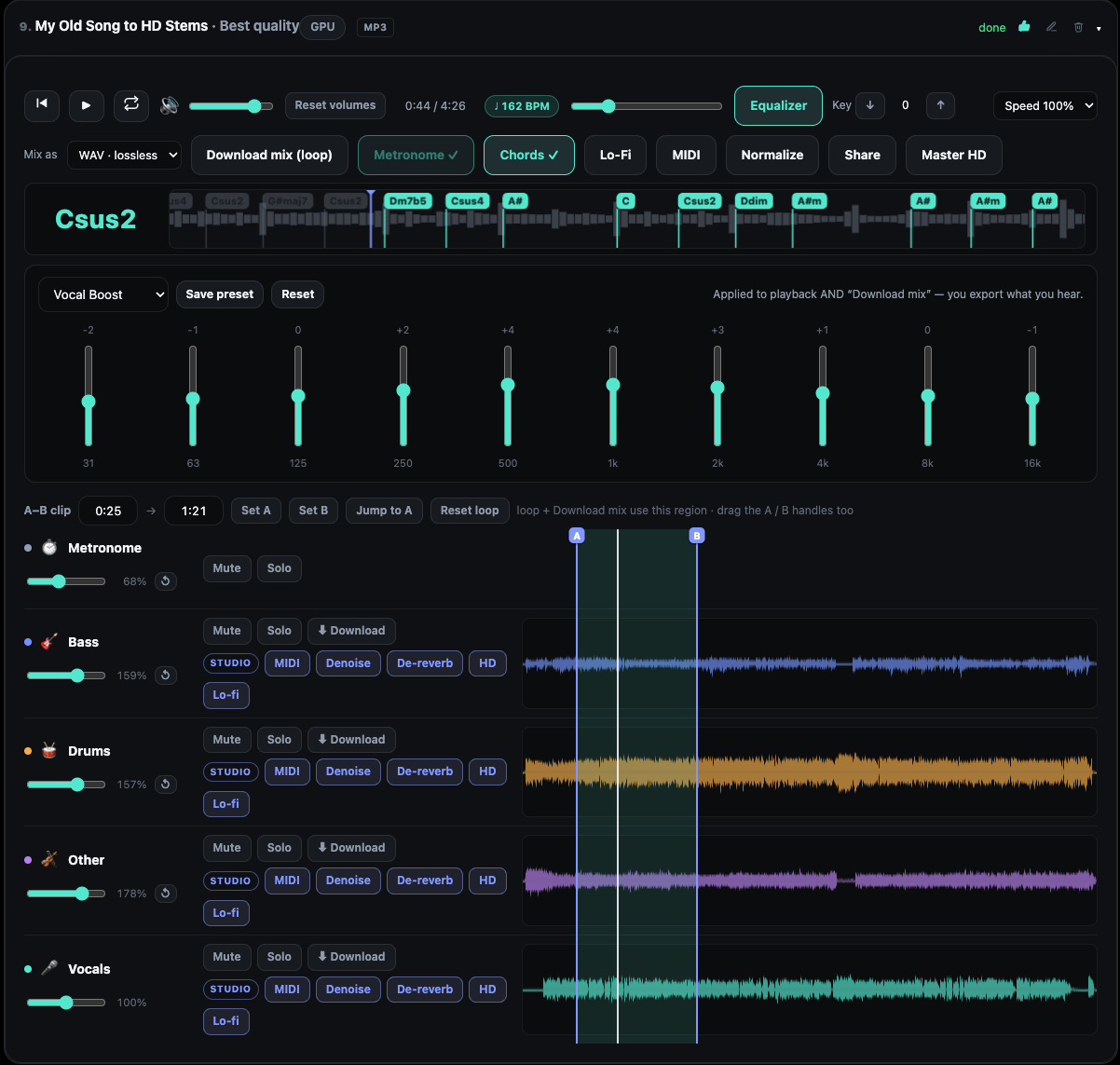
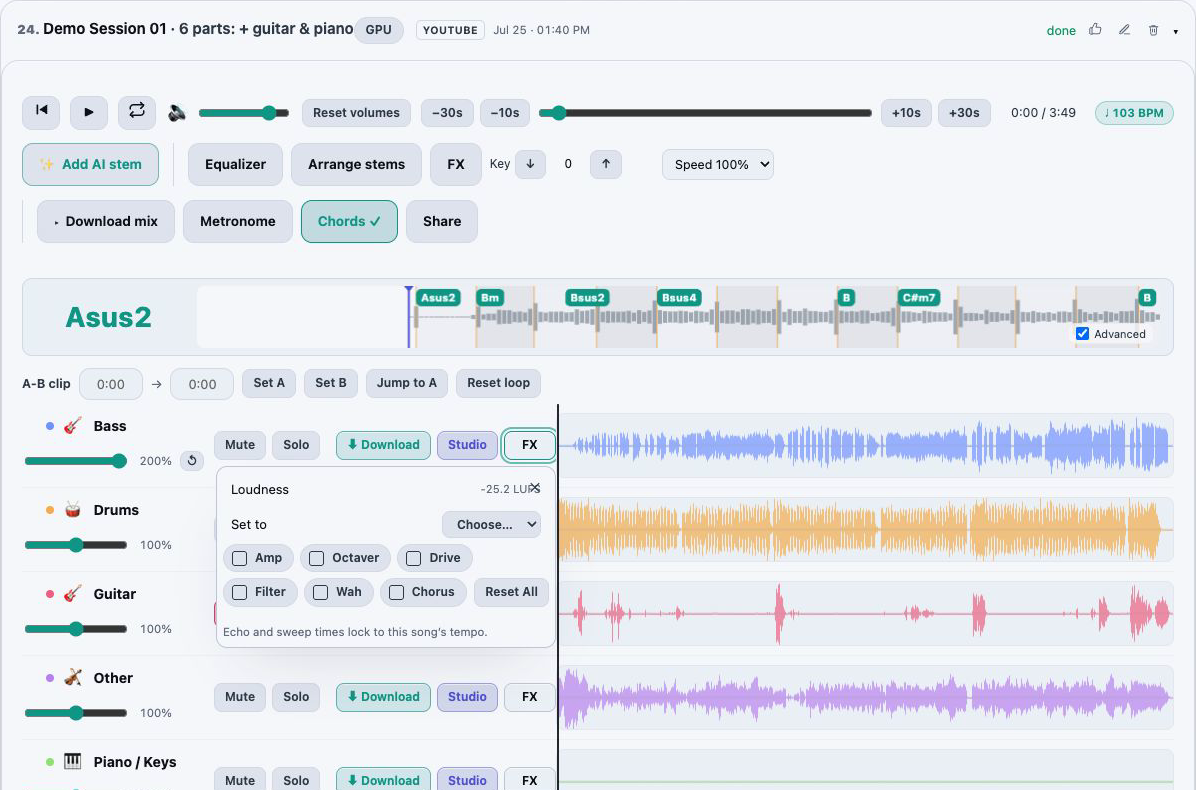
The switched vocal lands as another stem in the same session, with volume, EQ, effects, mastering and export like every other row. The original stem is muted, not removed: unmute it to compare, or keep both.
AI-MADE
Voices that belong to nobody
The two stock voices were generated by AI from a fixed verse. They are not recordings of a person, so there is nobody to imitate and no sample to collect: a switched stem is an AI voice, not a real person.
How it works
1
Separate the track
Upload a song or paste a YouTube link and split it with any separation model. A vocal stem is what gets switched, so a file loaded as one track gives it nothing to work with. A take from AI lyrics or the vocals of an AI song you kept work as well.
2
Open the vocal stem’s menu
On the vocals row, open the ⋮ menu and choose Switch to a high or low tone. The same choice is offered on any other vocal row of the track, a kept AI take included.
3
Pick a direction
Choose High tone (female), Low tone (male) or Auto. The confirmation names the voice that will sing, or says that Auto will pick it after a quick check, and shows the minutes the request will cost before you commit.
4
Listen, then keep or discard
When the job finishes the new stem plays in place of the original, which is muted. Keep it as an ordinary stem, unmute the original to compare, or delete the new row like any other.
Why a whole octave, and what that means for the mix
A male and a female singer performing the same melody are usually an octave apart, not a few semitones. Raising a baritone line by four semitones gives you a strained baritone; raising it by twelve gives you the line an alto or soprano would actually sing. The switch therefore moves the melody in whole octaves towards the new voice and lets the voice model supply the timbre, so the result is a different singer, not a sped-up one.
An octave is also the one interval that leaves harmony alone. Every note of the vocal still belongs to the same chord, which is why the bass, the keys and the guitar need no edit and the custom mix you export afterwards is still in tune with itself. If you want the song itself in a different key, set that in the mixer with key control, which also transposes the chord lane, and export from there.
Auto detection, and when it declines
Auto reads the pitch of the sung phrases, ignoring the silence between them, and compares the middle of that range with the region where male and female singing voices overlap. A clear reading picks the opposite voice and starts the conversion. A reading close to the boundary comes back as a plain message that it could not tell which voice this is, with a prompt to choose High tone or Low tone yourself. That refusal is deliberate: a wrong-way switch would spend minutes on a result you did not want, while a refused request returns its minutes.
Explicit choices never run the check. If you already know the direction, pick it and the request goes straight to the conversion.
What it will not do
A few things people expect from a voice changer are not what this one is for, and it is better to know before spending minutes.
Change the key of the song. The band stays as it was; key control is the tool for that, before or after a switch.
Sing in the voice of a particular person. There are two stock voices, one male and one female, both AI-made, and no way to hand it a recording of someone else to use.
Treat a duet as two singers. A stem is converted as one voice, so a part sung by two people comes back in one voice.
Work on a track loaded as one piece. It needs a separated vocal stem, which is what the stem splitter is for.
Stand in for a vocal effect. A pitch shifter or formant control adds a few semitones of colour; this is a different performer on the same line.
My voice: the other way to change a vocal
On Studio, My voice is the other option in the same menu. Instead of a stock voice of the other gender, it sings a vocal stem back in your own voice: record 10 to 30 seconds of yourself singing, pass a short live read-aloud check that records your consent, and from then on any take or vocal stem can come back as My version. Only your own voice can be used, it is never used to train AI, and you can delete it whenever you like.
The two pair well. Switch a demo to the other gender to hear the hook in a different range, or sing it in your voice to pitch it as yours; either way the original stem stays underneath, muted.
Minutes, refunds and rights
A switch is charged once, by the length of the vocal stem, from the HD and AI minutes Studio includes each month; minute packs top up the same balance. A request that delivers nothing, an Auto that declines included, is refunded automatically.
The stem you switch must come from a track you have the rights to process, as with every job, and the result is an AI output: you keep every right you have in it and are responsible for how you use it. Passing a switched vocal off as a real person’s performance is not allowed.
Which plan you need
Switching a vocal to a male or female voice is a Studio feature. Studio costs $9.99 a month and refills 60 HD and AI minutes every month, the same balance that pays for AI songs, AI lyrics and HD mastering.
Packs of 60 minutes for $9, 140 for $19 or 220 for $29 add to that balance and never expire. Free and Starter can separate a track and solo its vocal stem, but the switch itself needs Studio.
Yes, on Studio. Separate the track, open the vocals stem’s ⋮ menu, choose Switch to a high or low tone and pick High tone (female). The stem is sung again by an AI female voice an octave up, with the same words and melody, and arrives as a new stem while the original is muted.
Can I turn a female vocal into a male one?
Yes. Pick Low tone (male) and the stock male voice sings the stem an octave down. Auto makes the same choice for you after measuring the pitch of the singing.
Does the key of the song change?
No. The melody moves by a whole octave, which keeps every note inside the same chords, so the band and the key are untouched. Key control in the mixer is the tool for moving the song itself.
Whose voice is it?
Nobody’s. Both stock voices were generated by AI from a fixed verse and are not recordings of a real person. You cannot supply a voice for it to use.
What happens to the original vocal?
It stays in the track, muted. Unmute it to compare, keep both, or delete the new stem like any other.
What does it cost?
The stem’s length in HD and AI minutes, charged once. Studio includes 60 a month and packs add more; a request that delivers nothing is refunded.
Can it sing the stem in my own voice instead?
Yes, on Studio, through My voice: a verified recording of your own singing replaces the stock voice, and the stem comes back as My version. Only your own voice can be used.
Sing new lyrics over a track you separated: an AI voice over your own instruments, more takes of the same words and a backing chorus on the sections you pick.
Split any song into vocals, drums, bass, guitar, piano and more with AI models, then play, mix and export the stems in your browser. Free plan included.